
nCooker: Train Cooking on Autopilot
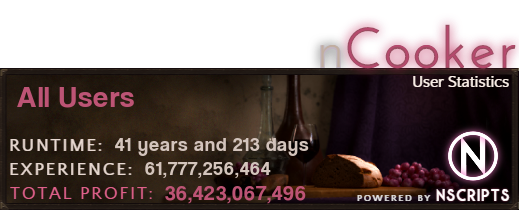
Go from 1 to 99 Cooking without touching your keyboard. Just pick a preset, click start, and let nCooker handle the rest. Over 73 billion XP gained by users so far.
Train to 99 the Easy Way
- 1-99 in one click - Use the Ez-Add preset for an optimized path from shrimp to max
- Mess Hall training - Train from level 20-99 with zero supplies or GP needed
- Smart progression - Automatically switch foods as your level increases
- Wide item support - Meats, fish, pies, pizzas, wines, vegetables, and more
Set It and Forget It
- Auto-restocking - Buys supplies and sells products at the Grand Exchange
- Muling support - Transfer gold to your mule automatically
- Lowest burn rates - Uses Hosidius Kitchen and other optimal locations
- Multiple locations - Rogues’ Den, Hosidius, Catherby, Myths’ Guild, and more
Safety and Reliability
- ABC2 antiban - Human-like behavior patterns built in
- Random AFK breaks - Takes natural pauses to avoid detection
- Mini-breaking - Short breaks during long sessions
- Battle-tested - Users report multi-day sessions without issues
Quick Start
- Position yourself at the Hosidius Kitchen with at least 50k GP in your bank
- Configure the Ez-Add preset by clicking the button and selecting 1-99 Cooking from the dropdown
- Review the suggested food progression, adjust cooking location if desired, then click Start Script
The preset handles everything from shrimp to max level with auto-restocking enabled.
Not sure yet? Free trials available at tribot.org/dashboard/script-trials
Join the Community
- Discord: https://discord.gg/RKRJTzV
- Highscores: https://nscripting.com/highscores/cooker/
- Forum Signature:
https://nscripting.com/cooker/signatures/users/YOUR_TRIBOT_USERNAME_HERE.png
Results vary based on playtime, settings, and account history. No bot is ban-proof—use this script responsibly and account security is your own responsibility.